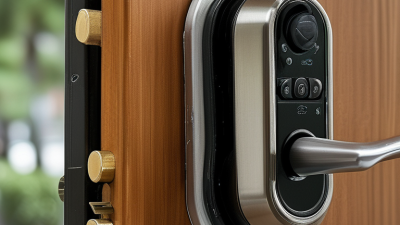
What Are the 2026 Top Types of Access Systems?
Access Systems are becoming more intelligent, connected, and closely tied to everyday building operations. In 2026, the strongest solutions will likely include cloud-based access control, mobile credentials, biometric readers, smart cards, visitor management, and integrated video systems. Each type serves a different environment. A hospital needs strict identity verification. A coworking space may value flexible mobile entry.
This article examines the leading Access Systems shaping modern security decisions. The focus is not only on technology, but also on reliability, user experience, maintenance, and data protection. A sleek reader means little if it fails during a power outage. Practical details matter. Door controllers, backup batteries, network connections, and audit logs can determine whether a system performs well.
Bruce Schneier, a respected security technologist, stated, “Security is a process, not a product.” His observation remains highly relevant to access management. Strong systems require regular updates, trained administrators, tested emergency procedures, and clear permission policies. Technology alone cannot remove every risk.
There is no universal ranking.
The “top” system depends on the building, budget, workforce, and security profile. Cloud platforms may simplify administration, yet they can create concerns about connectivity and vendor dependence. Biometrics can improve convenience, but accuracy and privacy require careful evaluation. These limitations deserve attention. A balanced comparison should recognize both progress and uncertainty, helping decision-makers choose Access Systems that remain dependable beyond installation day.
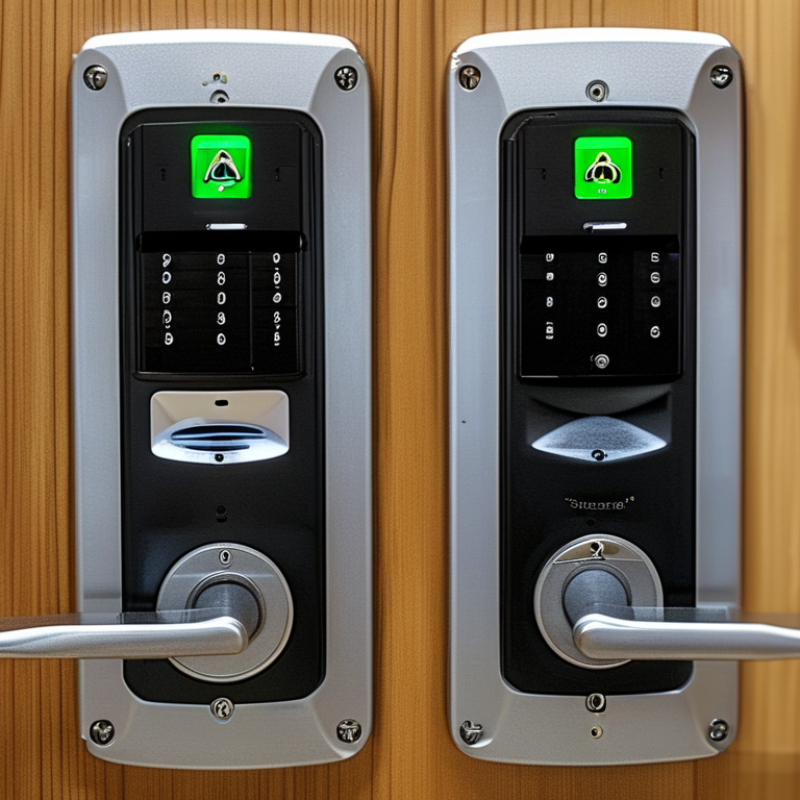
Electronic Cards and PINs: The $10.3B Access-Control Market Baseline
What Are the 2026 Top Types of Access Systems?
Electronic cards and PINs remain the baseline for a projected $10.3 billion access-control market. They are familiar, scalable, and relatively simple to manage. A card reader can secure an office door, warehouse gate, or server room within minutes. PIN systems reduce physical key handling, but shared codes create a clear weakness. People forget codes. People also share them.
In practical deployments, electronic cards offer stronger accountability because each credential can link to one user. Administrators can deactivate a lost card quickly and review entry records afterward. PINs still work well for low-risk areas, temporary access, and small facilities. However, relying on one method may be shortsighted. A failed reader, weak battery, or forgotten code can interrupt normal operations. Security teams should test these failure points before choosing a system. Perfect access control does not exist.
Tips: Match the system to the doorway’s risk level. Use individual cards for sensitive rooms. Change shared PINs regularly, and avoid obvious numbers. Keep spare credentials in a controlled location. Review access logs for unusual entry times. Staff training matters more than many buyers expect. A technically strong system can still fail through careless daily use.
What Are the 2026 Top Types of Access Systems?
Electronic Cards and PINs: The $10.3B Access-Control Market Baseline
The chart compares common access-system configurations by the number of independent authentication factors they use. A PIN is a knowledge factor, while an electronic card is a possession factor. Combining a card with a PIN provides two-factor authentication and generally offers stronger protection than either method alone. The $10.3 billion figure is shown as the market baseline; it is not divided into unaudited category shares.
Classification basis: authentication-factor definitions used in NIST Digital Identity Guidelines, SP 800-63B.
Biometrics: NIST’s 1:1,000 False-Match Requirement
In 2026, biometric access systems are judged by more than speed or convenience. NIST’s 1:1,000 false-match requirement gives security teams a practical benchmark: an unauthorized person should be accepted roughly once in 1,000 comparisons. This is a demanding target, not a marketing slogan.
The distinction matters. In 1:1 verification, the system checks one person against one stored template. In 1:N identification, it searches many records, so the risk can increase quickly.
A reliable deployment should measure both false-match and false-non-match rates. A locked door is safer, but repeated rejection can frustrate authorized staff and encourage unsafe workarounds.
Small details affect results. Wet fingers, dusty lenses, poor lighting, face coverings, and changing camera angles can reduce accuracy. During a site test, an access point may perform well in the laboratory but struggle near a bright doorway. Our first assumption may be wrong.
Testing should include peak traffic, different user groups, and failed attempts, with results recorded over time. Liveness detection, encrypted templates, human review, and a secure fallback method also deserve attention. The 1:1,000 figure should guide decisions, not replace them. It does not guarantee perfect protection.
Mobile Credentials: HID’s 2024 Digital-Identity Adoption Indicators
Mobile credentials are becoming a leading access system for 2026. The shift began with stronger digital identity adoption indicators in 2024. Organizations increasingly used smartphones for doors, elevators, laboratories, and restricted work areas.
The reason is practical. Employees already carry their phones. A secure application can issue, update, or remove access without replacing a plastic card. It can also support encryption, multi-factor authentication, and remote revocation. That matters when staff change roles or lose a device. Fast deployment helps.
Real-world use still needs careful planning. A phone may have a low battery, damaged screen, or weak network connection. Offline access can reduce disruption, but it introduces configuration risks. Some employees also dislike installing another application. Adoption is not automatic.
Digital identity indicators suggest growing interest in convenience, stronger security, and contactless entry. Yet a mobile credential should not operate alone. Clear recovery procedures, privacy controls, device checks, and trained administrators remain essential. These details often decide whether a system works smoothly at 8 a.m., when employees arrive together.
The most reliable 2026 access strategy may combine mobile credentials with cards, PINs, or biometric verification. Different locations need different safeguards. A small office may need simplicity. A research facility may require layered controls and detailed audit records. Technology improves access, but human review still catches mistakes.
Cloud Access Control: MarketsandMarkets’ 8.1% CAGR Forecast
By 2026, access systems will include cloud platforms, mobile credentials, biometric readers, smart cards, and visitor management tools. Cloud access control deserves particular attention. MarketsandMarkets forecasts an 8.1% compound annual growth rate for this market. That figure reflects stronger demand for remote administration, flexible permissions, and faster security updates. It does not guarantee equal growth in every region.
A facilities manager can adjust a contractor’s entry rights from a laptop before a scheduled visit. A tenant may use a phone instead of carrying a plastic card. Door events can appear in a central dashboard within seconds.
These details improve visibility across offices, warehouses, and mixed-use buildings. Cloud systems also reduce some on-site hardware work, although network outages still require practical backup procedures.
Biometric access can strengthen identity checks, while mobile credentials support convenient daily entry. Smart cards remain useful where devices or connectivity are limited. Selecting one system is rarely enough. Organizations should review building layouts, user privacy, emergency access, maintenance skills, and integration needs.
Forecasts provide direction, not certainty. An 8.1% CAGR may overlook regional costs, staff training, or resistance from users who prefer familiar cards. I would test a small deployment first, measure failed entries, and revise the plan before expanding.
Video and Integrated Systems: 2026 Demand Measured by ISC Data
What Are the 2026 Top Types of Access Systems?
ISC data points to video-based and integrated access systems as major demand areas in 2026. Organizations increasingly want one operational view of doors, cameras, alarms, and visitor activity. This shift reflects practical experience from security teams managing busy offices, campuses, and mixed-use facilities. Video access systems can verify identity, record events, and support faster incident reviews. Integrated platforms also reduce the need to check several disconnected screens.
Demand is not only about advanced hardware. Buyers are measuring installation effort, system compatibility, privacy controls, and long-term maintenance. Cloud-managed access, mobile credentials, and biometric options remain important categories, but adoption may differ by site risk and operating budget. The picture is not perfectly clean. ISC data shows direction, not a universal purchasing formula. A small clinic may need simple door control, while a transport facility may require layered video and access coordination.
Tips: Start with a site-by-site risk assessment. Map every entrance, user group, and response procedure. Test video quality in low light before deployment. Confirm how quickly operators can find an event. Ask whether existing doors and networks can support integration. Keep an offline response plan for outages. It sounds basic, but teams sometimes overlook it. Review permissions regularly, especially after staff changes. A technically powerful system can still fail when daily workflows are confusing.